
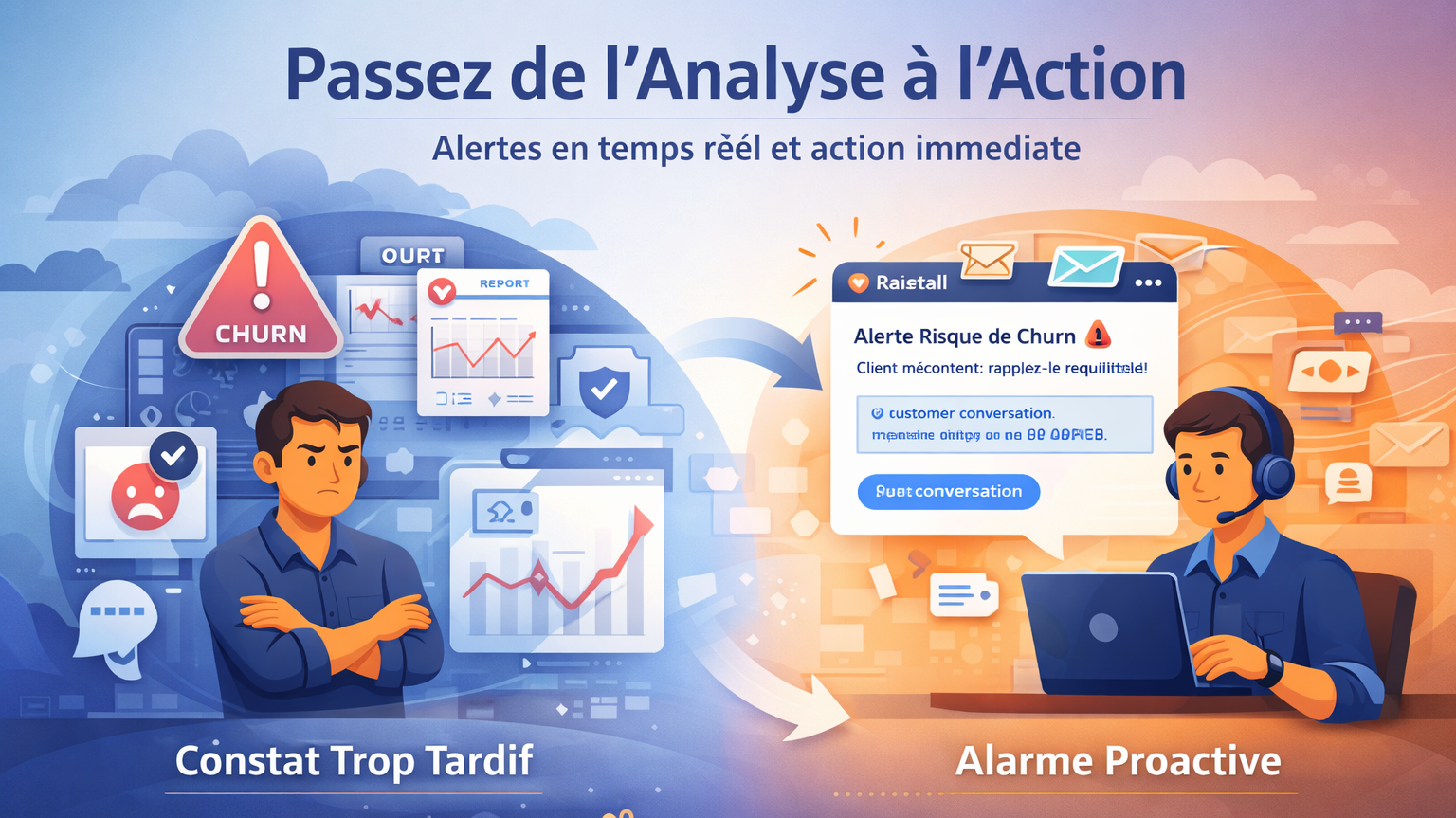
The problem: valuable insights that arrive too late
Your conversational analysis platform reveals crucial information about your customers: churn risks, recurring dissatisfaction, missed business opportunities...
The data is there, in your reports.
But when you consult them, it's often too late: the unhappy customer has already cancelled. The upselling opportunity has vanished. The quality issue has caused damage.
Retrospective analysis is useful for understanding trends. It's much less useful for acting on individual situations that require a quick response.
The solution: real-time, targeted and actionable alerts
Raisetalk notifications bridge this gap between analysis and action. As soon as a conversation is analyzed and a specific criterion is detected, the relevant people are alerted by email. 
Concrete example
- you have configured a "Churn risk" criterion in your analysis grid.
- without notification, you'll discover these cases when reviewing your reports, perhaps at the end of the week.
- with a configured notification, the customer manager receives an alert within minutes of the call, with a direct link to the conversation.
➔ They can then trigger a courtesy callback before the situation deteriorates.
How to configure a notification?
Creating a notification is done in a few simple steps, accessible to all users according to their visibility scope.
1. Describe the alert:
Give your notification an explicit name to easily find it in your automation list.
2. Define trigger conditions
Select one or more criteria from your analysis grid. The notification will be triggered when these criteria are sanctioned (or not sanctioned, depending on your configuration).
💡 You can combine multiple conditions for very targeted alerts.
3. Choose recipients
Three options are available:
- By role: automatically alert the agent's supervisor, their N+2, or any other role defined in your organization
- By user: designate specific users of the platform
- By email: send to external addresses, useful for involving teams that don't have access to Raisetalk
4. Customize the message
Write the subject and body of the email using merge variables.
These variables will be automatically replaced with conversation information: identifier, agent name, date, direct link to the interaction...
➔ You thus create personalized and immediately actionable emails.
Common use cases
- Churn prevention: alert the retention team as soon as a customer expresses an intention to leave, to organize a retention callback.
- Quality escalation: notify the supervisor when an agent doesn't respect a critical element of the script (legal mention, identity validation...).
- Business opportunities: inform the sales team when a customer shows interest in a complementary product.
- Pain point detection: escalate recurring product or process issues in real-time to the relevant teams.
Move from analysis to action
Notifications transform Raisetalk from a retrospective analysis tool into a proactive alert system.
Every conversation becomes an opportunity to act, at the right time, with the right information.
Would you like to see this feature in action?
➔ Try it now at https://app.raisetalk.com/try or contact us!


